Free & Open Source · Runs on your computer
Octa Bot
Meet your personal AI
Octa Bot

Your helper for
everyday digital tasks

Just tell Octa what you need — in plain words, on WhatsApp or Telegram. Octa handles your emails, files, calendar, messages, and a lot more. No tech skills needed. Your data never leaves your computer.

🚀 Get Started Free View on GitHub
Octa Bot
Octa Bot
● Online — ready to help
Send my project report to my boss
✓ Done! Found “project_report_final.pdf” in your Documents and emailed it to your boss.
Clean up my inbox — delete all LinkedIn emails
✓ Deleted 47 emails from LinkedIn. Your inbox is clear! 🎉
11+
Built-in assistants
200+
Everyday tasks handled
Learns
Your preferences over time
0$
Free to use
100%
Runs on your machine

What people are doing
with Octa Bot

Everyday tasks that used to take time — now done in seconds with a simple message.

📄 → 📧
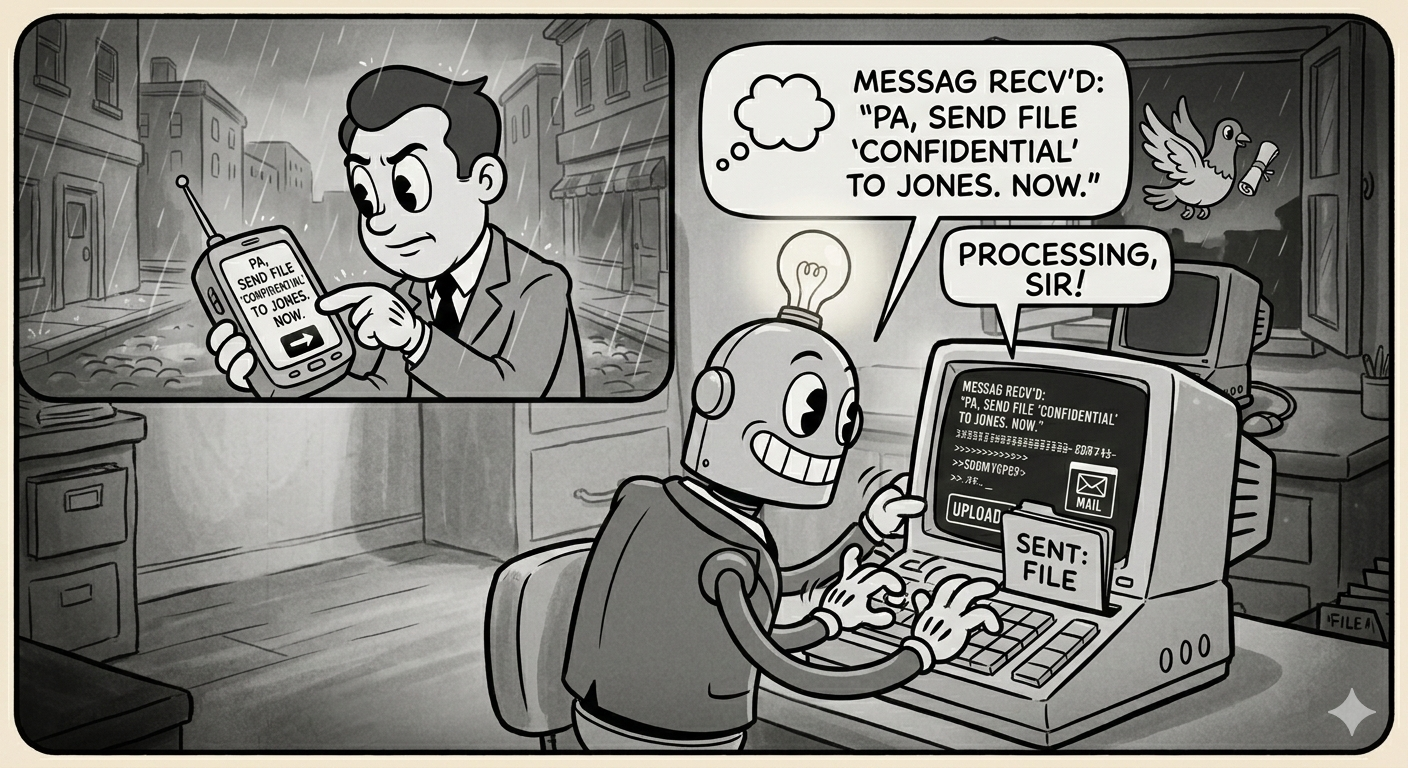
“I forgot an important document at home. From work, I messaged Octa on Telegram — it found the file on my home PC and emailed it to me in seconds. No need to drive back.”
👤
Forgot a file at home
Telegram → Files + Email
📈 → 📊 → 📬
“I asked Octa to analyse a stock — charts, risk score, the works — then make a PDF and email it. What used to take me an hour now takes one message.”
📊
Stock analysis, zero effort
Stock Agent + PDF + Email
🗂️ → ✨
“My Desktop was a complete mess. I told Octa to sort everything out. It showed me the plan first, I said yes, and it organised everything neatly in minutes.”
🗂️
Computer cleanup
File Organizer — with approval
📅 → 🤝
“I was stuck in back-to-back meetings. I asked Octa to find a free slot and schedule a call with a client. It did — and sent the calendar invite automatically.”
📅
Hands-free scheduling
Calendar Agent
💼 → 🌐
“I just told Octa what I wanted to post on LinkedIn and it wrote the caption, generated an image, and posted it — all without me opening LinkedIn once.”
💼
LinkedIn on autopilot
LinkedIn Agent + AI images
📱 → 💬
“My team is on WhatsApp, clients on email, and family on Telegram. When our Sunday plans changed, I said ‘Tell everyone tonight is at my place, bring food.’ Octa notified three groups across two apps before I’d finished my sentence.”
💬
One message, three platforms
WhatsApp + Telegram Agents

And much more — web searches, habit tracking, inbox summaries, reminders…

Try Octa Bot Free →

A real conversation —
right on your screen

This is Octa Bot’s personal assistant interface — clean, dark, and always one message away.

Octa Bot personal assistant chat interface in action
💬 Just type naturally
Instant results
🔒 Runs 100% locally
🧠 Remembers your preferences

Like having a helper
always by your side

You just describe what you need. Octa Bot figures out how to make it happen.

💬
Just talk to it naturally
No buttons, no menus. Just type — or send a voice note. Say “Remind me about the report tomorrow” or “Send a birthday wish to Priya”. Octa understands.
🧠
It remembers you
Octa learns your preferences over time. It remembers that you like morning summaries and that you archive newsletters. You never have to repeat yourself.
🔒
Your data stays with you
Everything runs on your own computer. Your emails, files, and passwords never travel to any server. Complete privacy, always.
Works in the background
Set Octa to automatically sort your inbox every morning, send your daily schedule to your phone, or back up important files — without you lifting a finger.
🌍
Works from anywhere
On holiday? Travelling? As long as your computer is on, message Octa on WhatsApp or Telegram from anywhere in the world — it replies with results.
💸
Completely free, forever
No monthly fees. No usage limits. No premium tier. Octa Bot is fully open source. Download it once and it’s yours — with every update, for life.

A specialist for
every part of your life

Octa has 11 specialised helpers — each one an expert at a different thing. They work together when needed.

LIVE
📧
Email
✨ What can I do?
  • Read & search your emails
  • Send emails & replies
  • Delete, label & organise
  • Schedule emails for later
  • Pull to-do items from threads
LIVE
📁
Google Drive
✨ What can I do?
  • Browse, upload & download
  • Share files with anyone
  • Find & remove duplicates
  • Organise folders
  • Email files from Drive
LIVE
💬
WhatsApp
✨ What can I do?
  • Send & read messages
  • Schedule messages
  • Set up auto-replies
  • Summarise long chats
  • Forward to email
LIVE
✈️
Telegram
✨ What can I do?
  • Send & receive messages
  • Schedule messages
  • Summarise chats
  • Send photos & documents
  • Forward to email
LIVE
🗂️
Files
✨ What can I do?
  • Browse & search your PC
  • Copy, move & delete files
  • Zip & unzip folders
  • Find duplicate files
  • Check disk space
LIVE
📅
Calendar
✨ What can I do?
  • Create & reschedule events
  • Find free time slots
  • Daily & weekly agenda
  • Set reminders
  • Sync with Google Calendar
LIVE
📈
Stock Market
✨ What can I do?
  • Real-time stock prices
  • Full technical analysis
  • Risk scoring
  • Portfolio review
  • Generate & email PDF reports
LIVE
🌐
Web Research
✨ What can I do?
  • Browse & summarise pages
  • Search the web for you
  • Extract key facts & tables
  • Download files from URLs
  • Research & compare topics
LIVE
💼
LinkedIn
✨ What can I do?
  • Post text, images & videos
  • Write post content for you
  • Generate images with AI
  • Schedule posts
  • Track your analytics
LIVE
File Organizer
✨ What can I do?
  • Tidy Desktop & Downloads
  • Propose an organisation plan
  • Only moves files after you approve
  • Archive old files cleanly
Soon
💬
Slack
✨ What can I do?
  • Send & read Slack messages
  • Browse channels
  • Manage notifications
  • Search your workspace

Three simple steps —
that’s all

No training, no manuals. If you can send a text message, you can use Octa Bot.

01
You say what you want
Type your request in plain language — “delete all LinkedIn emails” or “send this file to my boss”. No special commands. No technical words needed.
02
Octa understands & plans
Octa reads your message, figures out what needs to happen, and picks the right tools — safely and automatically. Big tasks are broken into steps.
03
Done — and remembered
The task is completed and you get a simple confirmation. Octa remembers the conversation, so it understands you better every time.

Reach it from
anywhere in the world

As long as your computer is on at home, you can control everything from anywhere — through WhatsApp or Telegram.

📱
You (anywhere)
Send a message on WhatsApp or Telegram
“Send my CV to hr@…”
Octa Bot
Octa Bot
Understands & gets it done
🖥️
Your Computer
Octa runs on your machine and replies with results
“✓ Email sent to hr@…”

Up and running
in minutes

You’ll need Python 3.10 or newer on your computer. Everything else is just a few commands.

1
Clone & install
# Get the code
git clone https://github.com/maluskarhrishikesh-afk/OctaMind
cd OctaMind

# Create a virtual environment
python -m venv .venv
source .venv/bin/activate

# Install everything needed
pip install -r requirements.txt
2
Add your credentials
# Drop your Google credentials here
cp ~/credentials.json config/credentials.json

# Add your AI token
echo "GITHUB_TOKEN=ghp_..." > .env

# Full guides are in /documentation/setup/
3
Launch Octa Bot
# Start everything
python start.py

✓ Dashboard → http://localhost:8501
✓ All helpers loaded and ready

# Open your browser and say hello!

Architecture papers
you can cite

Two implementation-backed papers describe the orchestration and memory architecture used in Octa Bot.

Zenodo Published
DAG and Topological sort to reduce unnecessary reasoning by LLMs
March 2026
DOI: 10.5281/zenodo.19023191
Maluskar, H. (2026). DAG and Topological sort to reduce unnecessary reasoning by LLMs. Zenodo. https://doi.org/10.5281/zenodo.19023191
Zenodo Published
Building Persistent AI Systems Without a Traditional Database
March 2026
DOI: 10.5281/zenodo.19023209
Maluskar, H. (2026). Building Persistent AI Systems Without a Traditional Database. Zenodo. https://doi.org/10.5281/zenodo.19023209
Free & Open Source · MIT Licensed

Give yourself a helper
you’ll actually use

Octa Bot is completely free and open source. No subscriptions, no limits, no data ever leaving your machine. Download it once — yours forever.